End Schedule Collaboration
If you have been invited to access a schedule, you can withdraw at any time.
To do this, click on the name of the schedule on the homepage and select the command from the context menu.
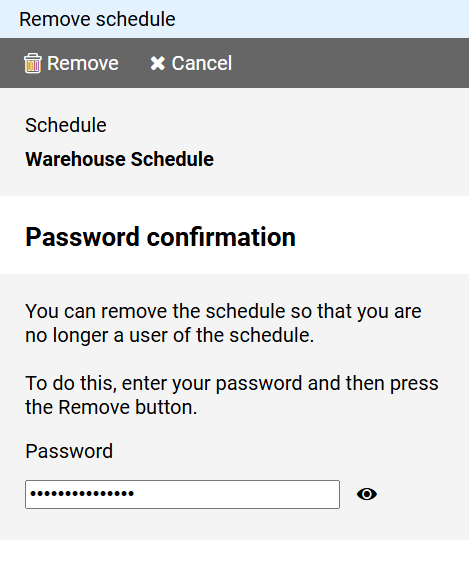
Enter your password to confirm, then press the button and agree to the following confirmation prompt.
Notes:
- Once you have finished collaborating to the schedule, you will no longer have access to it.
- If you do not want to be invited to collaborate on someone else's schedule, you can disable invitations in your user profile.