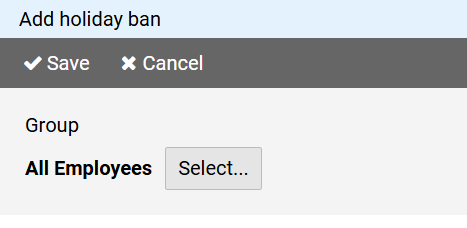
Press the button to select the group for whose members the holiday ban should apply.
To create a new holiday ban, press the button on in the command bar of the administration view for holiday bans.
The page for creating a holiday ban is divided into different sections:
Press the button to select the group for whose members the holiday ban should apply.
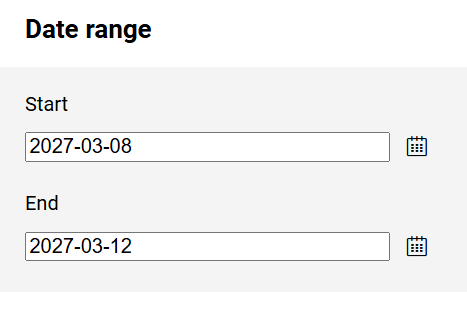
The start and end dates define the date range of the holiday ban.
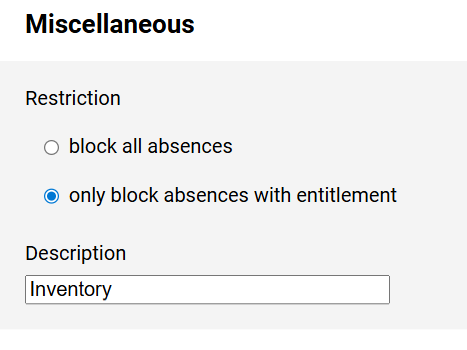
You can specify whether the ban should apply to all entries regardless of the type of absence or only to those associated with an entitlement.
In the latter case entries for business trips for example are still possible.
You can add a description to each holiday ban.