Change Password
To change the password for your user account, click on the user icon in the upper right corner of the view and select the command from the user menu.
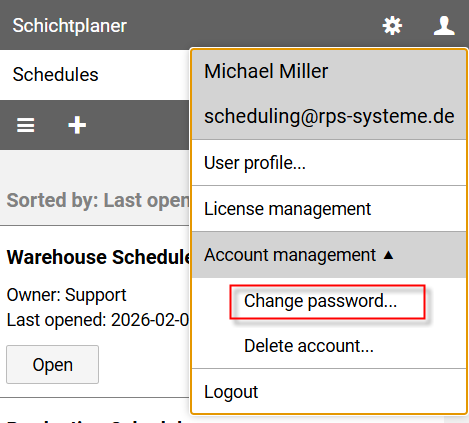
A new page opens:
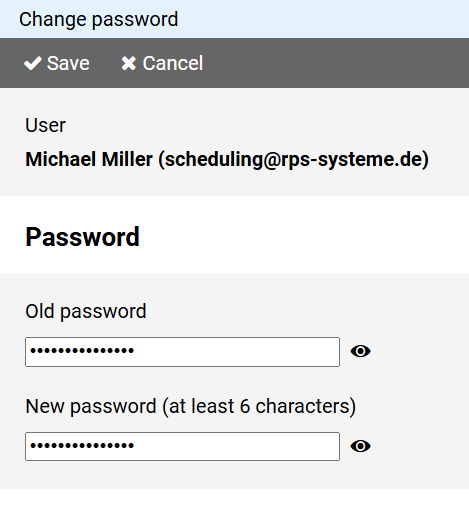
Enter your current (old) password to confirm and then enter your new password.