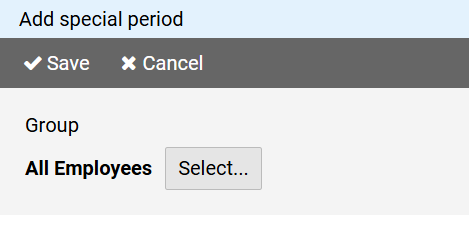
Press the button to select the group for whose members the special period should apply.
To create a new special period, press the button on in the command bar of the administration view for special periods.
The page for creating a special period is divided into different sections:
Press the button to select the group for whose members the special period should apply.
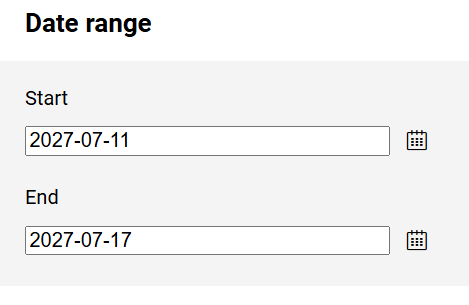
The start and end dates define the date range of the special period.
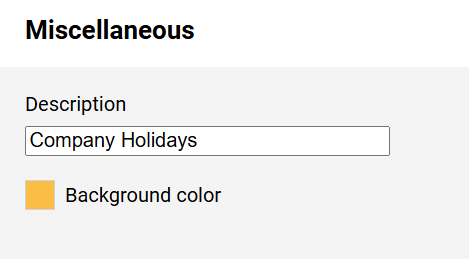
You can enter a description to the special period.
The background color is used to highlight the schedule fields for the group members during the specified period.