Employment Periods
You can divide an employee's employment into any number of time periods.
To manage an employee's employment periods, click the employee's name in the administration view for employees and select the command from the context menu.
A new page is displayed with a table listing all of the employee's employment periods.
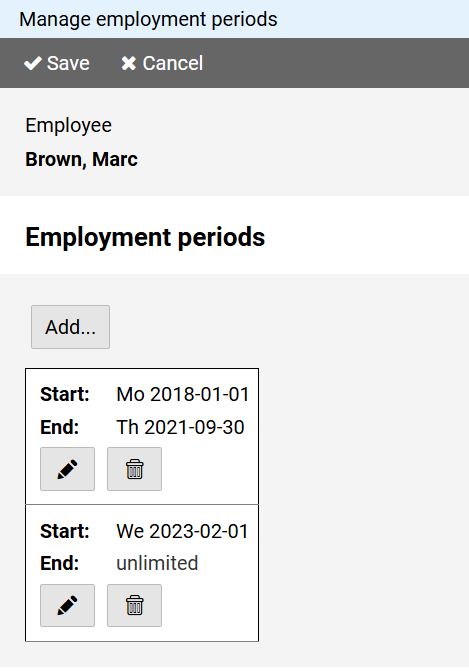
Press the button to create another period of time.
You can specify a fixed date for the start and end of the employment period or consider it unlimited.
Press the button to edit a table entry and the to delete an entry.