Custom Shifts
If you want to assign an employee a shift that has nothing in common with the predefined shift types you can enter a custom shift.
Custom shifts are presented like normal shifts, but can include any working hours.
After selecting the input date range and calling up the action for addding or editing custom shifts, an input mask is displayed.
The mask is divided into different areas:
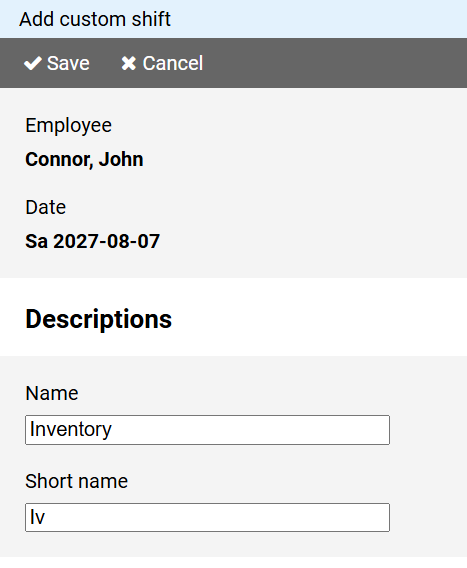
In the fields Name and Short name enter the names under which the custom shift should be run.
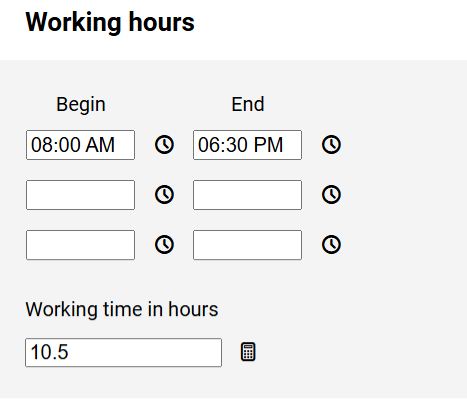
Specify the working times of the custom shift and the working hours to be credited to the actual hours account.
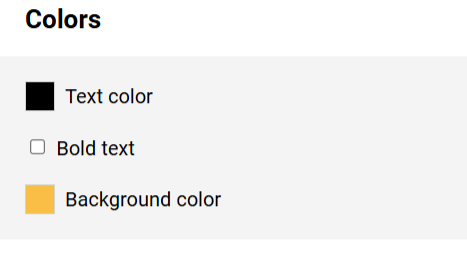
For display in the schedule you can specify text and background color as well as a bold font.
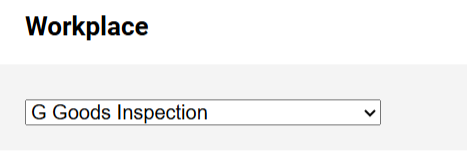
Optionally, you can specify whether a workplace should be assigned to the custom shift.