Modified Shift Times
If an employee's actual working time on a given day deviates from the planned working time of a shift, i.e., if overtime or undertime occurs or the working hours shift, you can adjust the shift accordingly.
Note: Overtime or undertime is indicated in the schedule by a plus or minus sign in the corresponding field.
If the number of hours worked does not change, it will show a zero.
To add or edit a working time deviation, click the schedule field containing the shift to open the information view.
Under the affected shift press the button and select the command or from the drop-down menu to open an input mask.
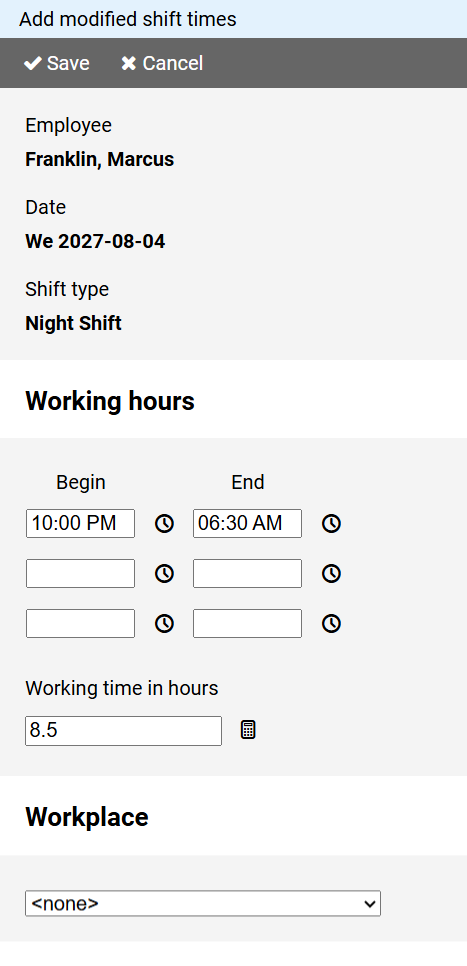
Enter the actual working hours and the corresponding hours to be credited.
Optionally, you can specify whether a workplace should be assigned to the shift.