Add Users
To add new users to a schedule, press the button on the command bar of the administration view for users.
The new users page is divided into different sections:
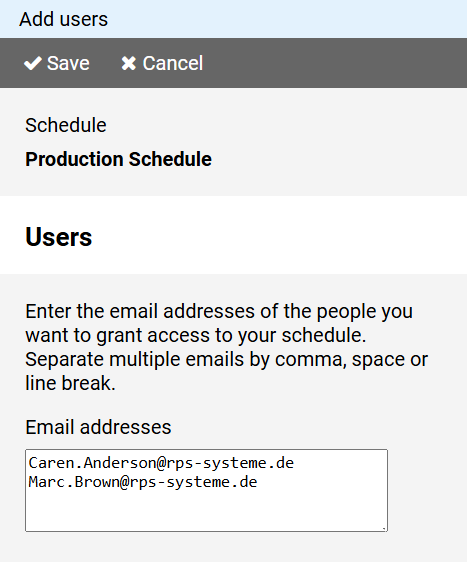
Enter the email addresses of the new users in the input field.
For multiple users, add each email address on a separate line.
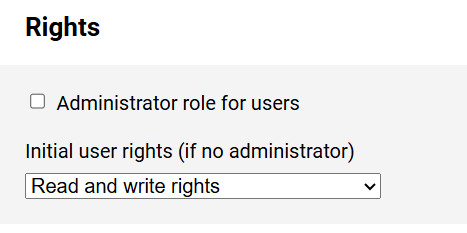
If users should become administrators for the schedule, meaning they should be able to add new users themselves, select the corresponding option.
Note: Only the owner of the schedule can grant administrator rights.
Specify the basic rights that the new users should have for the duty roster.
Note: The rights granted here are valid until detailed user rights have been recorded.
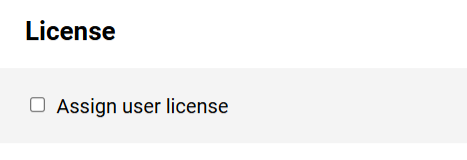
If you have purchased user licenses, you can assign them to the new users.
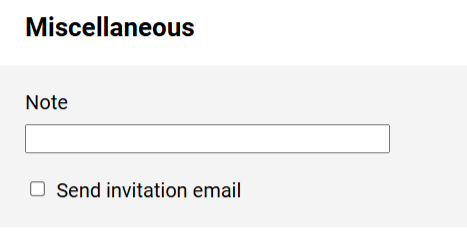
For new users, you can add a note that will be displayed in the user administration view for users.
Select the Send invitation email option if you want new users to receive an email informing them about their collaboration in the schedule.