License Status
To view your current license status, click on the user icon in the upper right corner of the view to open the user menu and select the command.
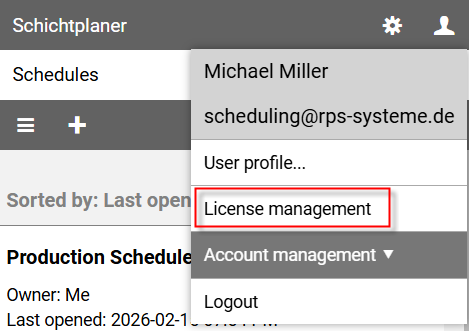
The license management view is divided into different areas:
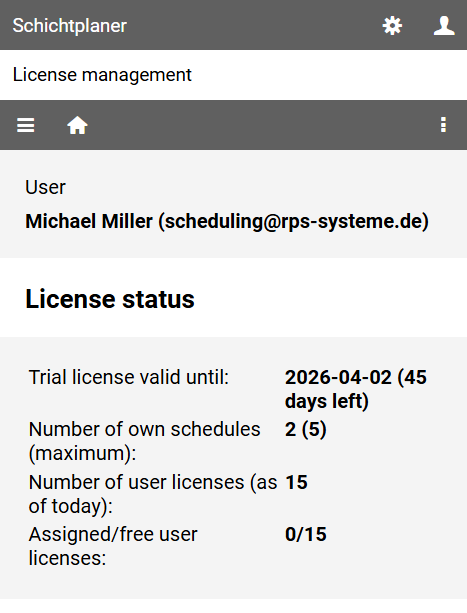
It shows
- when your trial period ends,
- how many of your own schedules you have and can create,
- how many user licenses you have purchased and
- how many of these are assigned and still available.
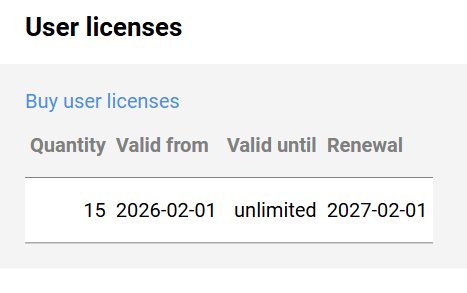
If you have purchased user licenses, it will show how long they are still valid and when they will be renewed.