Assign Licenses
To assign a purchased license to a user, open the administration view for users
Click on the user to whom you want to assign a license and select the command from the context menu.
Click on the user to whom you want to assign a license and select the command from the context menu .
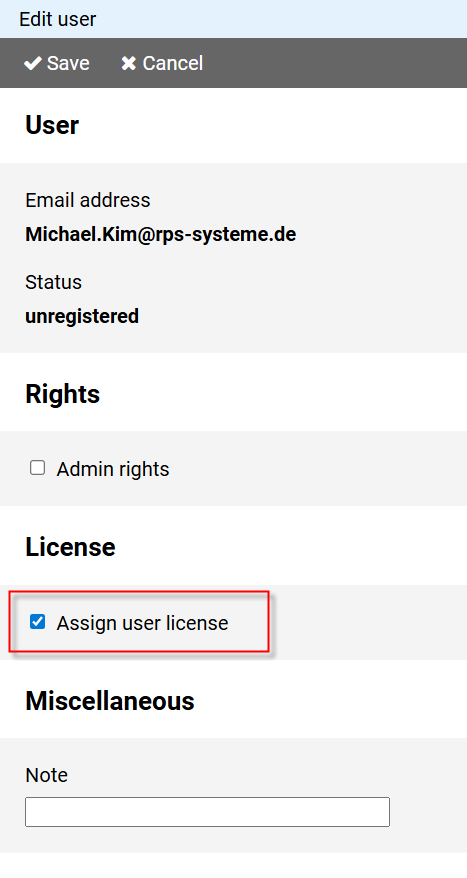
Select the option Assign user license.
Notes:
You can assign a user license to multiple users in one step by selecting all desired users in the administration view for users and then clicking the button on the command bar.
You can revoke an assigned license from a user at any time using the same method.