Login
If you launch the app and there is no saved login (see below), the login page will be displayed.
Note: You can also access the login page at any time, for example to change the logged-in user, by logging out.
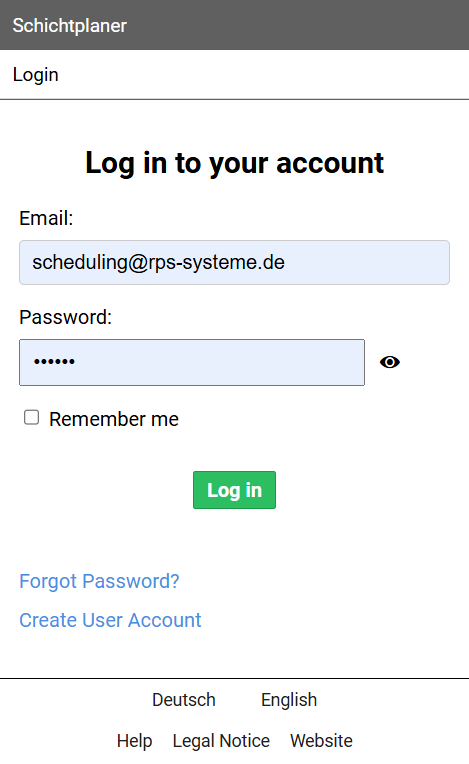
Enter your registered email address and password.
If you want your login to remain saved on your local computer even after the program ends, select the Remember me option .
This means you won't need to enter your login details again the next time you start the program.
After entering your information, press the button.
Notes:
A saved login remains valid until you log out.
If you have not yet registered for the program, click the Create User Account link to create a user account.
If you no longer remember your password, follow the Forgot Password? link.
This will redirect you to a website where you can find out how to reset your password.