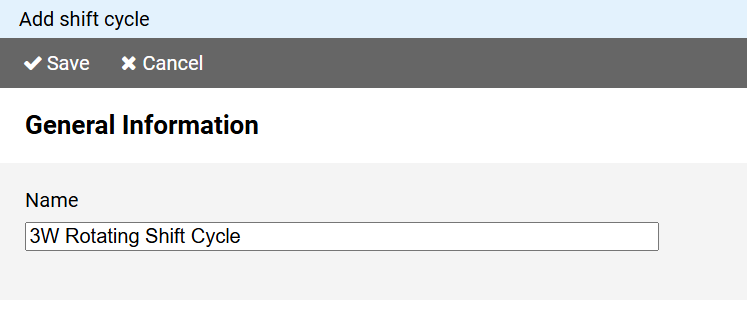
You must enter a unique name for the shift cycle.
To create a new shift cycle, press the button on in the command bar of the administration view for shift cycles.
Note: If you want to use the properties of an existing shift cycle as the basis for a new shift cycle, click on the shift cycle name in the shift cycle administration view and select the command from the context menu.
The page for creating a shift cycle is divided into different sections:
You must enter a unique name for the shift cycle.
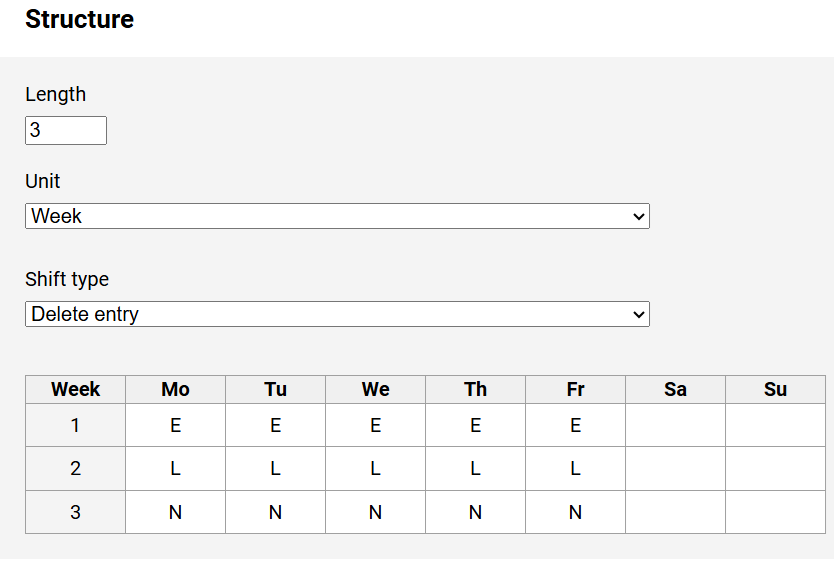
To build the shift cylce, first specify the cycle length.
You must also specify whether this value refers to weeks or days.
To do this, select the desired entry from the Unit list.
Next, fill the grid with the shift sequences as they should be assigned to an employee.
Select a shift type from the drop-down list above the table , then transfer it to the table by clicking on the day fields.
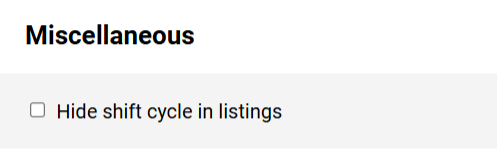
You can hide outdated or rarely needed shift cycles from lists by selecting the corresponding option.