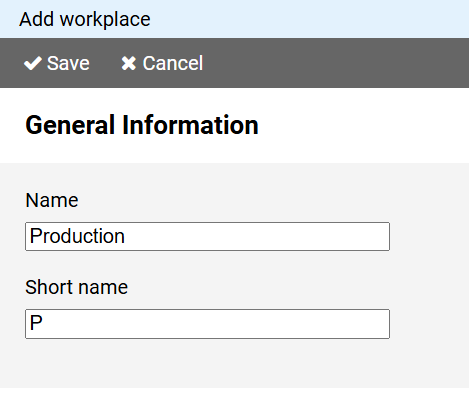
You must enter a unique name for the workplace.
In the short name field enter a short description for the workplace.
The short name will be displayed in the schedule as a representative of the workplace.
To create a new workplace, press the button on in the command bar of the administration view for workplaces.
Note: If you want to use the properties of an existing workplace as the basis for a new workplace, click on the workplace name in the workplace administration view and select the command from the context menu.
The page for creating a workplace is divided into different sections:
You must enter a unique name for the workplace.
In the short name field enter a short description for the workplace.
The short name will be displayed in the schedule as a representative of the workplace.
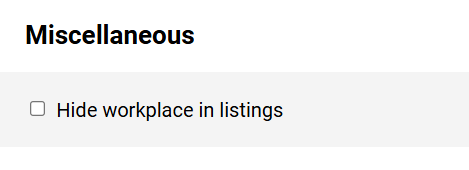
You can hide outdated or rarely needed workplaces from lists by selecting the corresponding option.
Note: Shift entries belonging to a hidden workplace will still be displayed in the schedule.