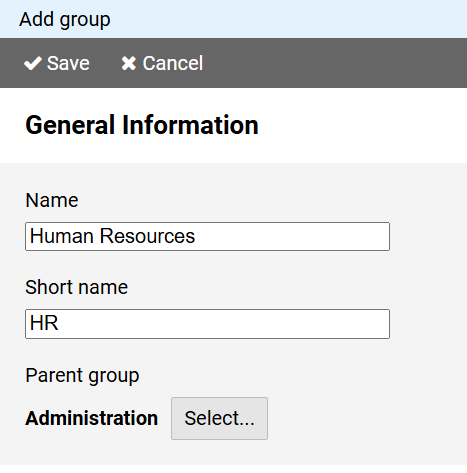
Entering a name is mandatory.
The name must be unique for groups with the same parent group.
A short name can be entered optionally.
Via the btton you can define the parent group of the group.
To create a new group, press the button on in the command bar of the administration view for groups.
The page for creating a group is divided into different sections:
Entering a name is mandatory.
The name must be unique for groups with the same parent group.
A short name can be entered optionally.
Via the btton you can define the parent group of the group.
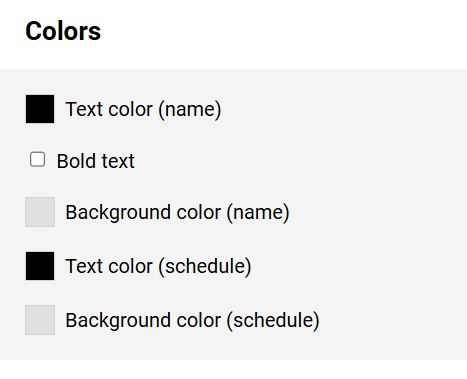
The information in this section determines how the group name and entries belonging to the group are formatted in the schedule.
The colors for the text (optionally in bold) and the background can be freely selected after pressing the color btton.