Shift Type Restrictions
You can specify different types of restrictions for employees for each combination of shift type and day of the week, which will be taken into account during scheduling.
To manage an employee's restrictions, click the employee's name in the administration view for employees and select the command from the context menu.
A new page will appear with a table containing all of the employee's restrictions.
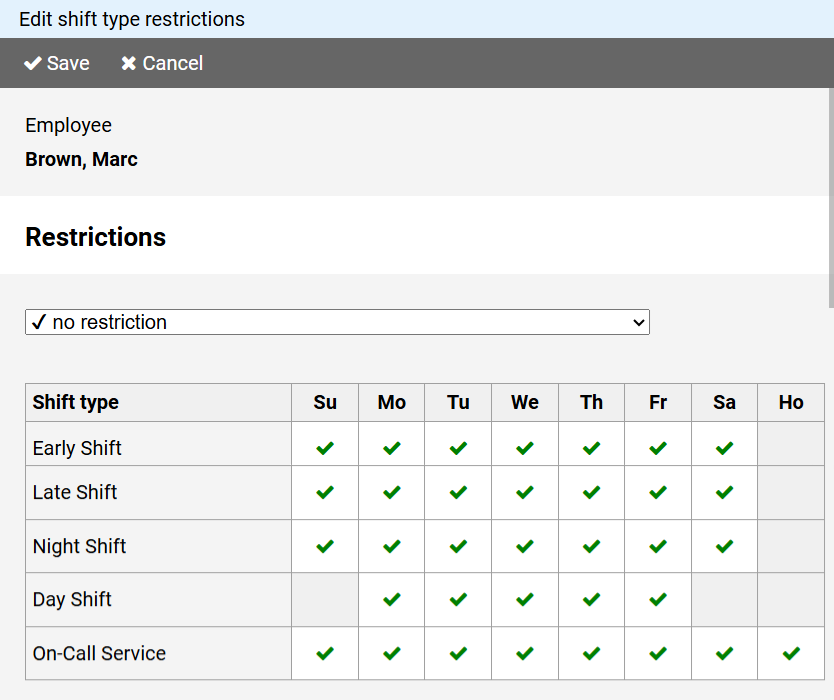
- A green checkmark means that there are no restrictions.
- A blue question mark requires confirmation of a manual assignment.
- A red cross indicates that entering a corresponding shift is not permitted (neither manually nor via shift cycle assignment).
To enter restrictions, select the desired restriction from the drop-down list above the table, then enter it by clicking on the table cells.